 Showpiece
App Store screenshot templates
Thirteen designs, shown here on a sample hiking app with the same caption. In Showpiece each one is a starting point: pick one, then change the fonts, colors, frame and background until it fits your app.
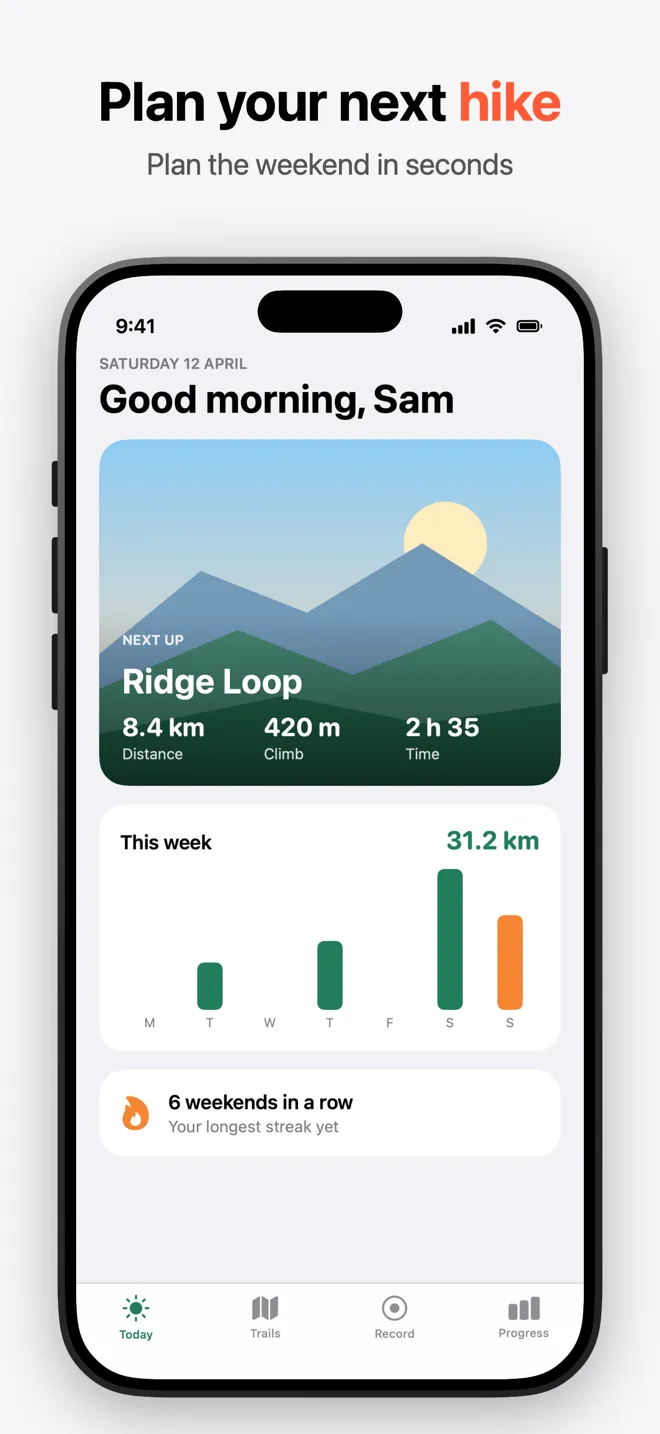
Classic Light
A pale grey background, dark caption and a dark device frame. Quiet, and lets the app do the talking.
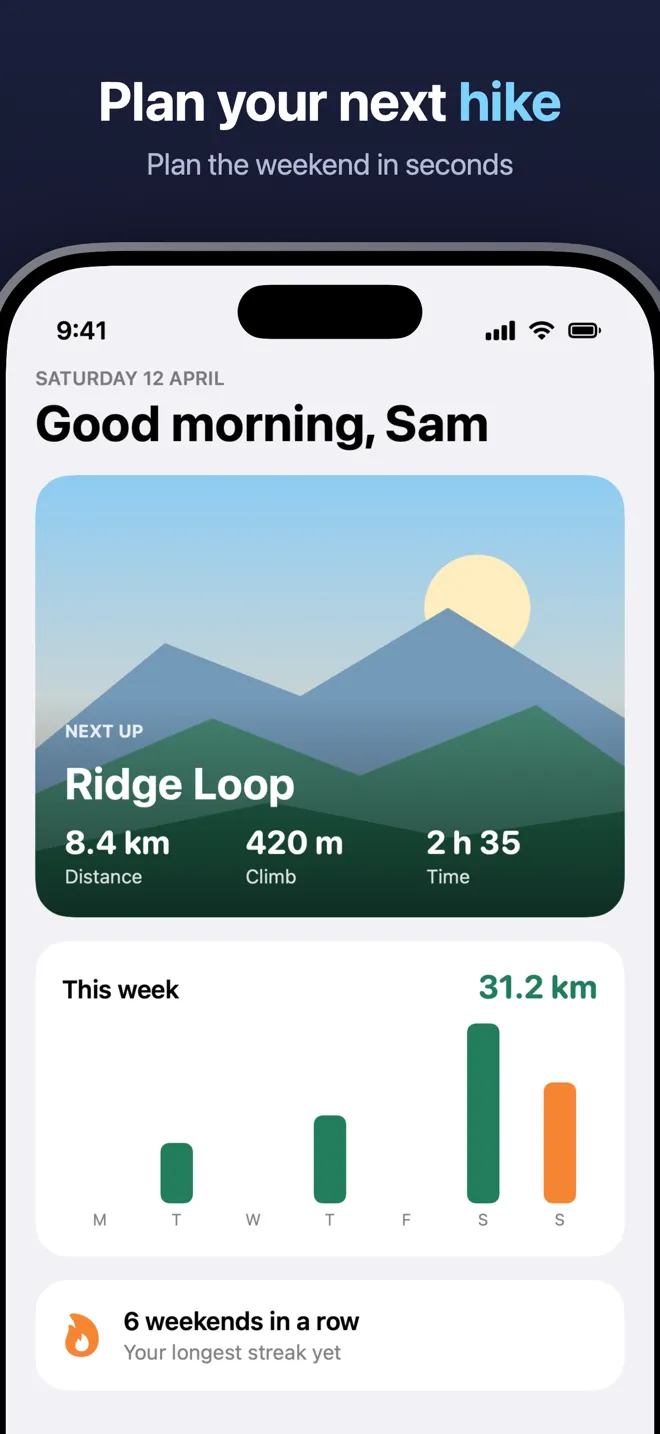
Midnight
A deep navy gradient with white captions, light blue highlights and a larger device.
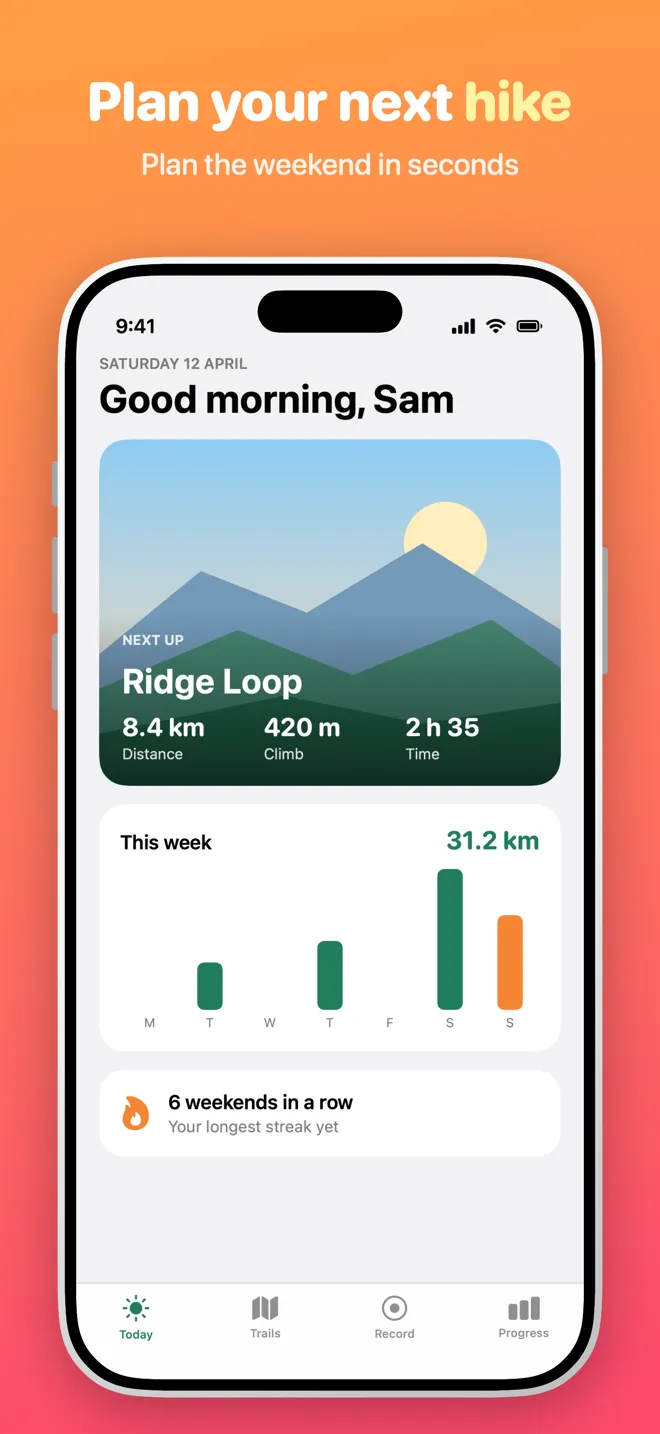
Sunrise
An orange to pink gradient with heavy, rounded white captions and a light frame.
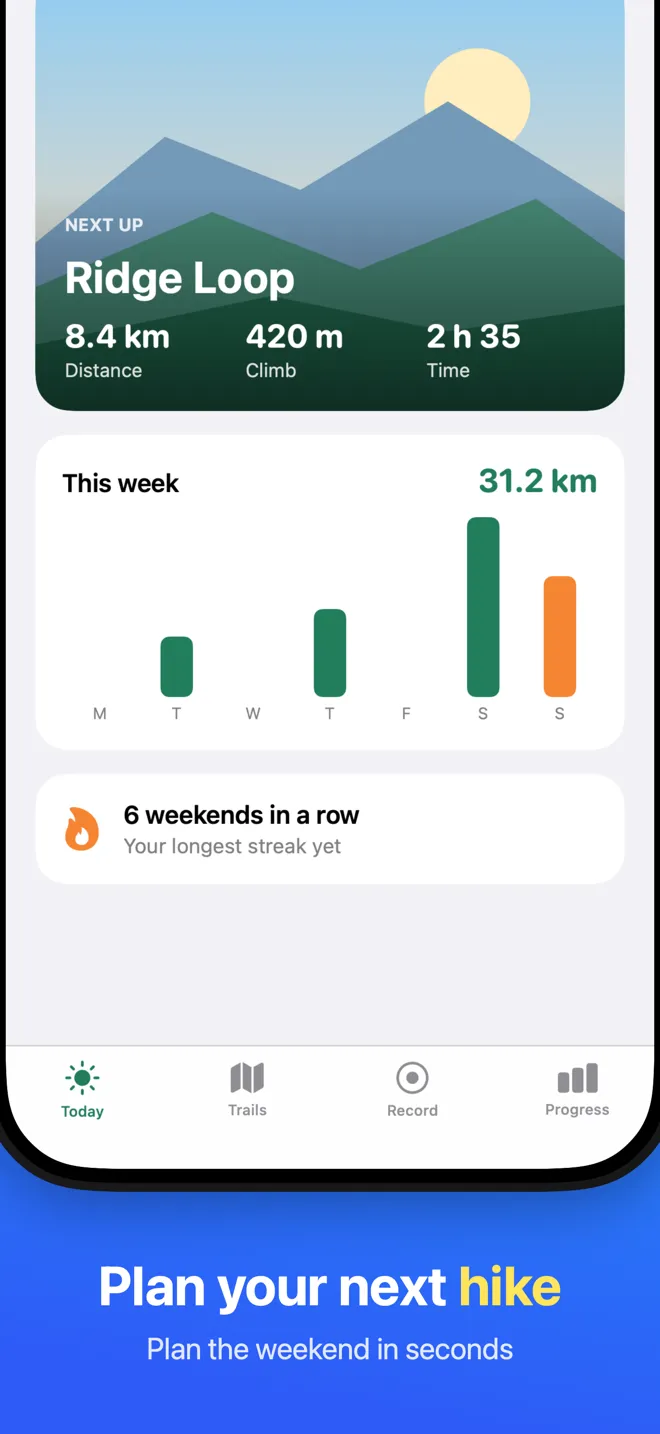
Ocean
A cyan to blue gradient with the caption at the bottom and the device filling the top.
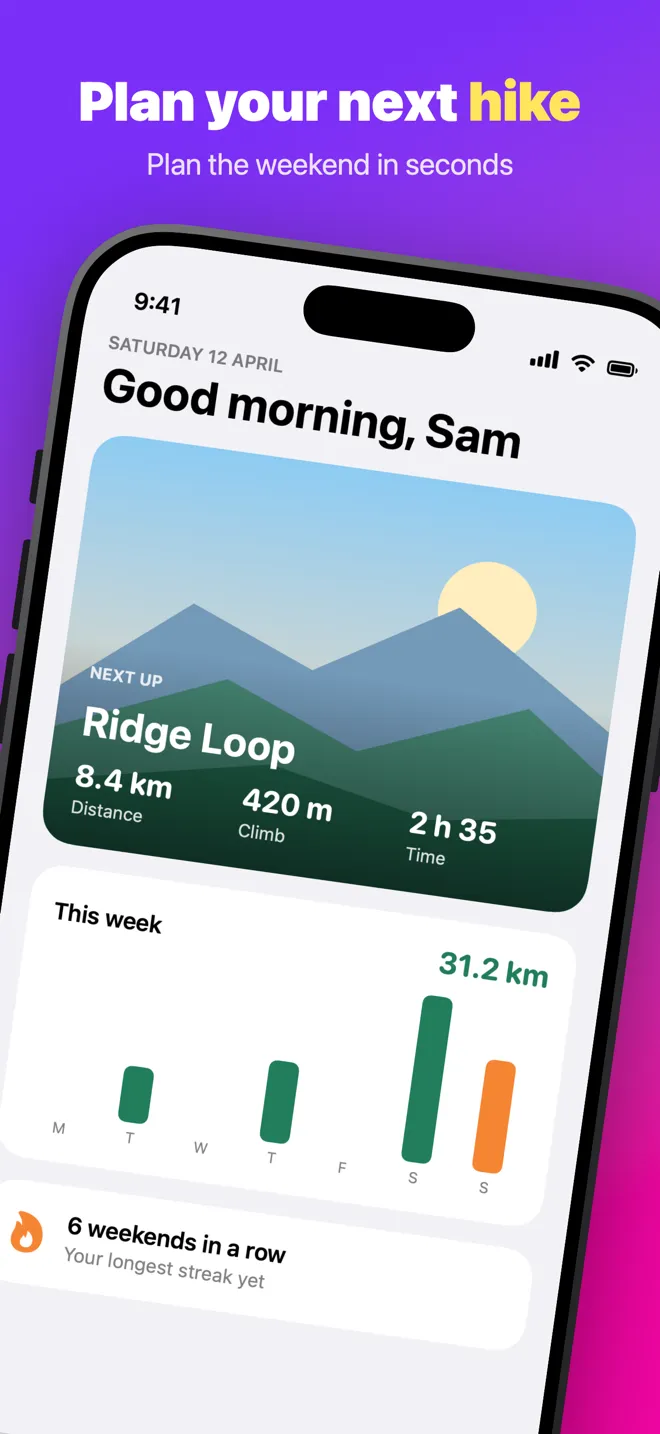
Tilted
A purple to pink gradient with a tilted device that fans across the set: leaning, upright, then the other way.
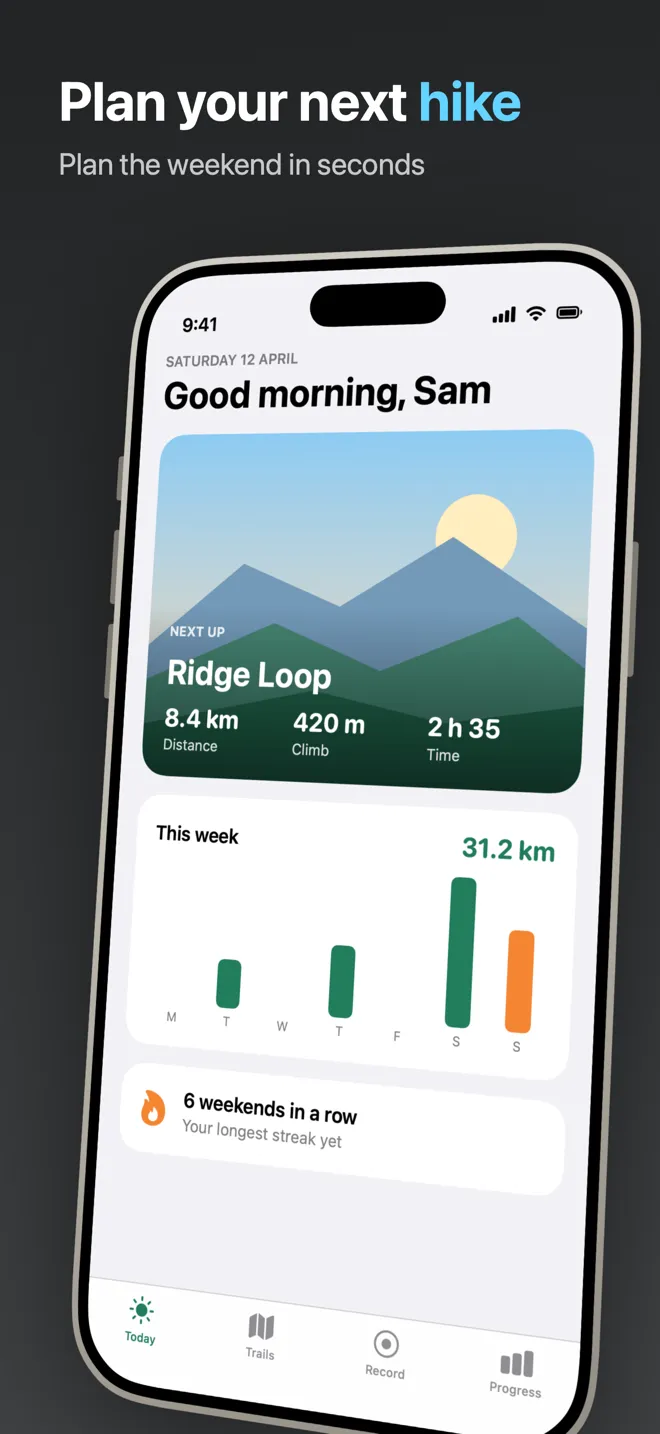
Perspective
A charcoal gradient, left-aligned text and a device turned in 3D, fanning across the set.
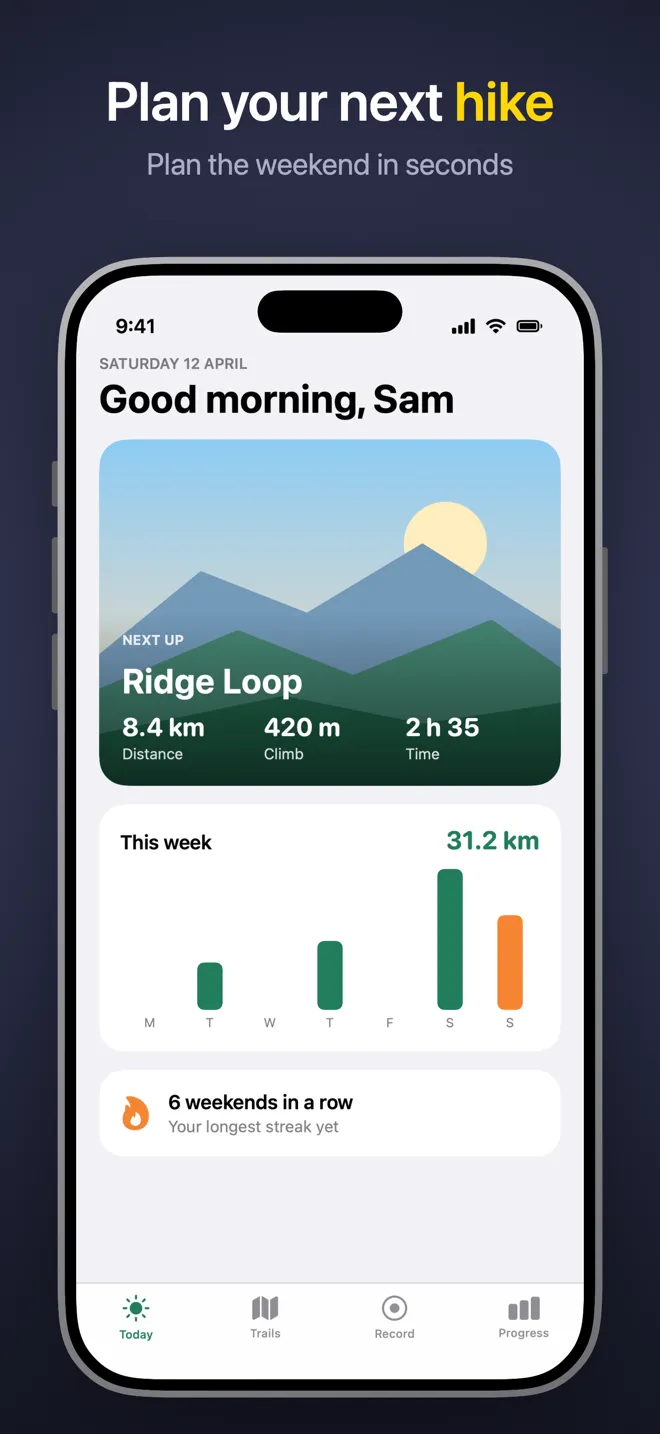
Spotlight
A soft spotlight on a dark background, with yellow highlights and a deeper shadow.
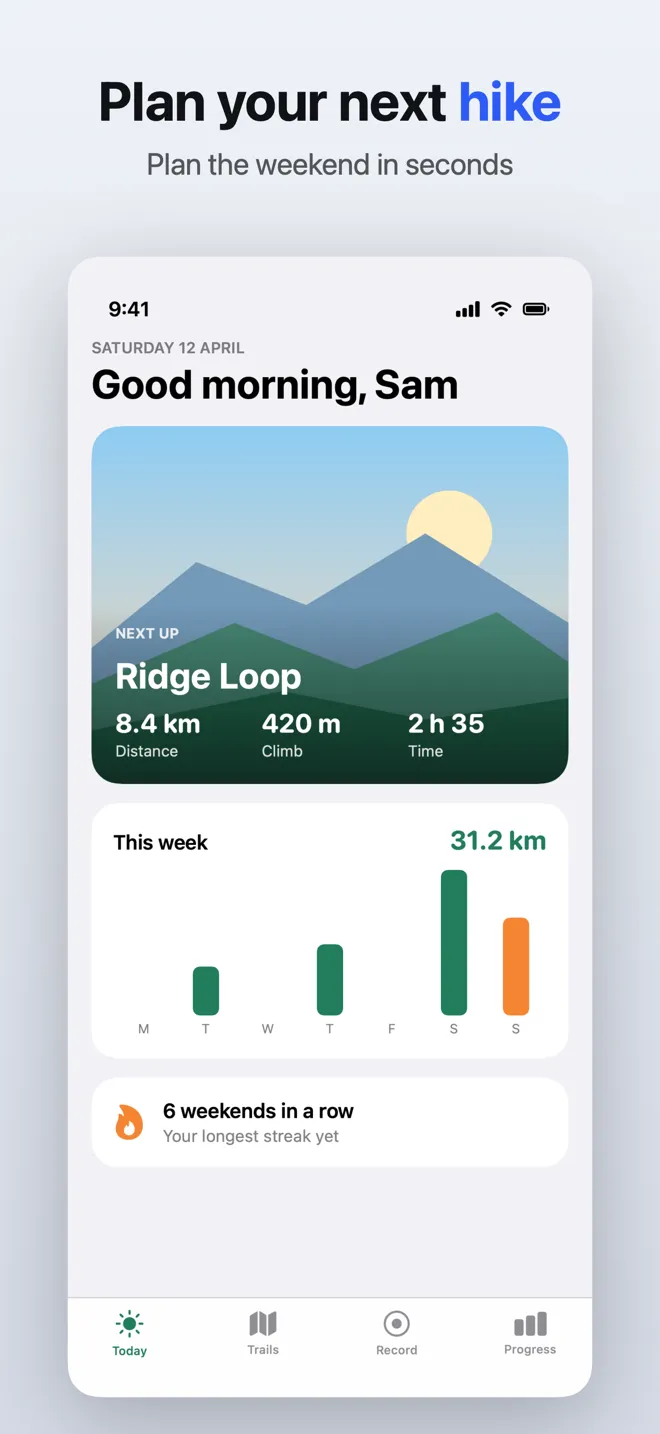
Frameless
The bare screenshot with rounded corners and a soft shadow, on a light grey gradient.
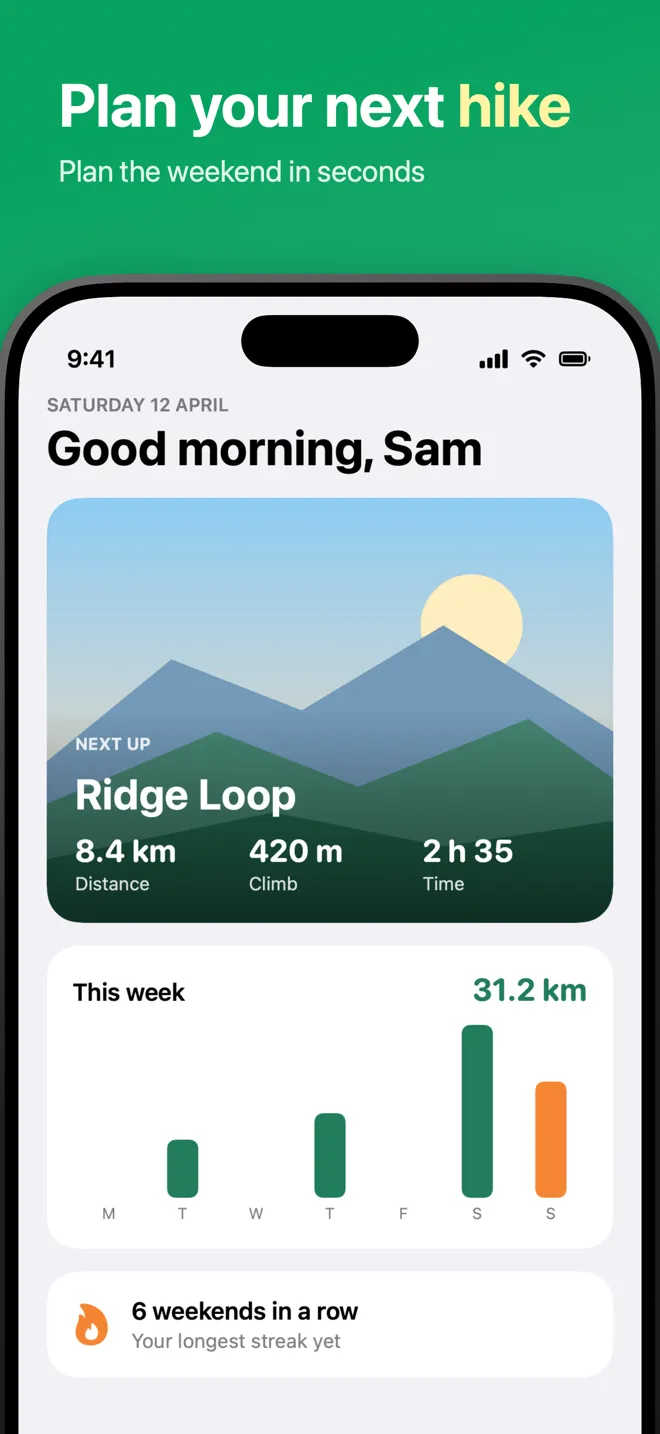
Fresh
A green gradient, a large left-aligned title and a dark frame.
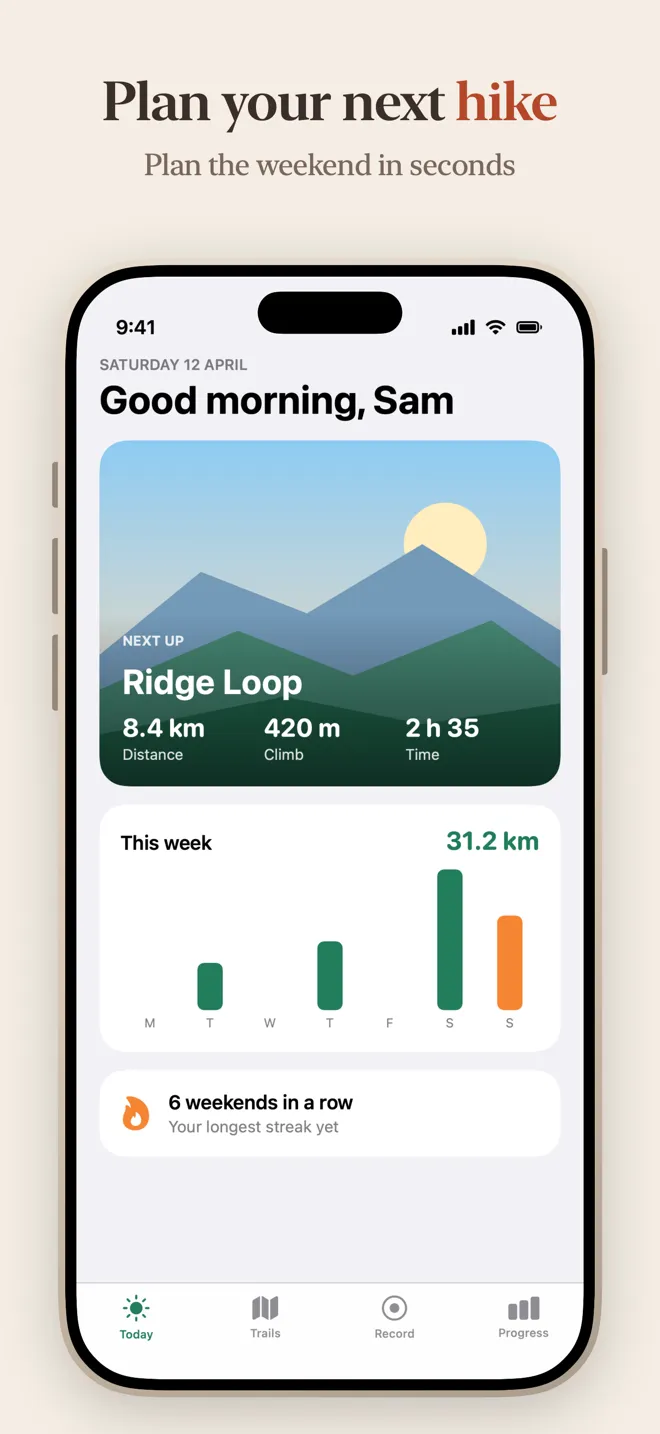
Paper
A warm paper background with serif captions and a light, sand-coloured frame.
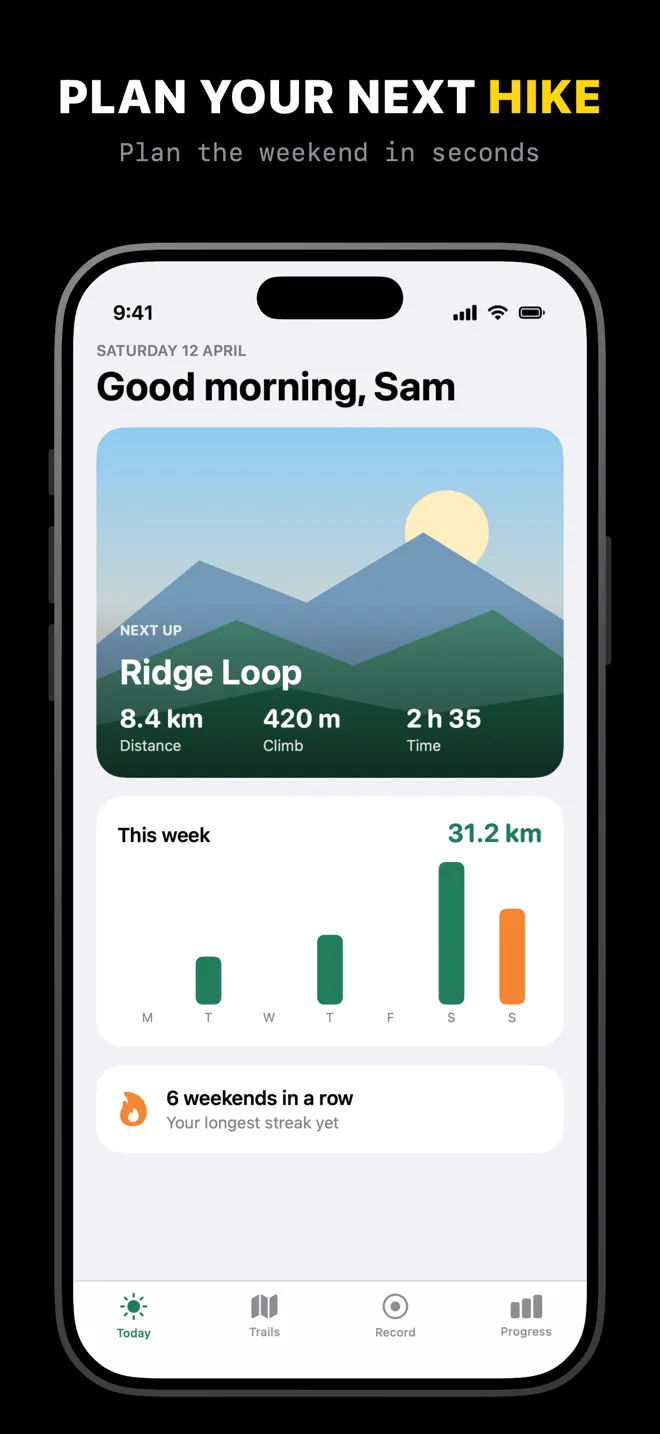
Mono Dark
Black, with an uppercase title, a monospaced subtitle and no shadow.
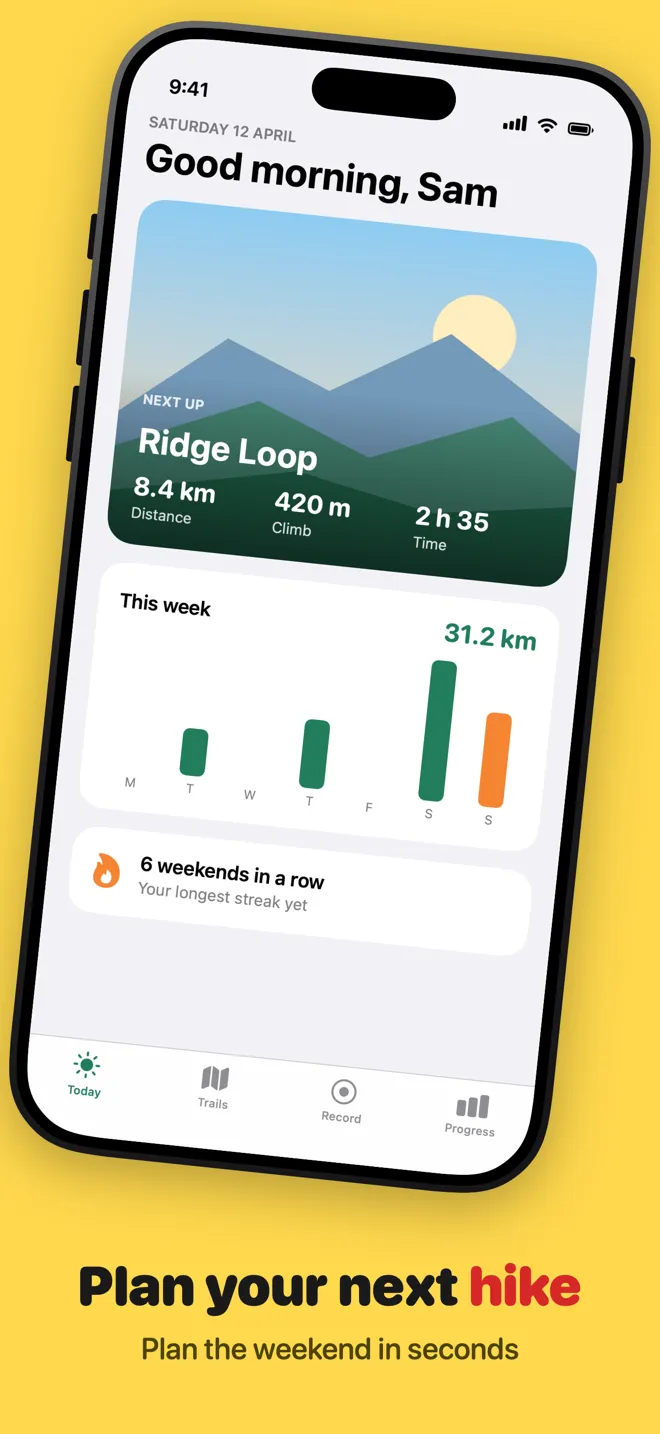
Lemonade
Bright yellow with bold rounded captions at the bottom and an angled device.
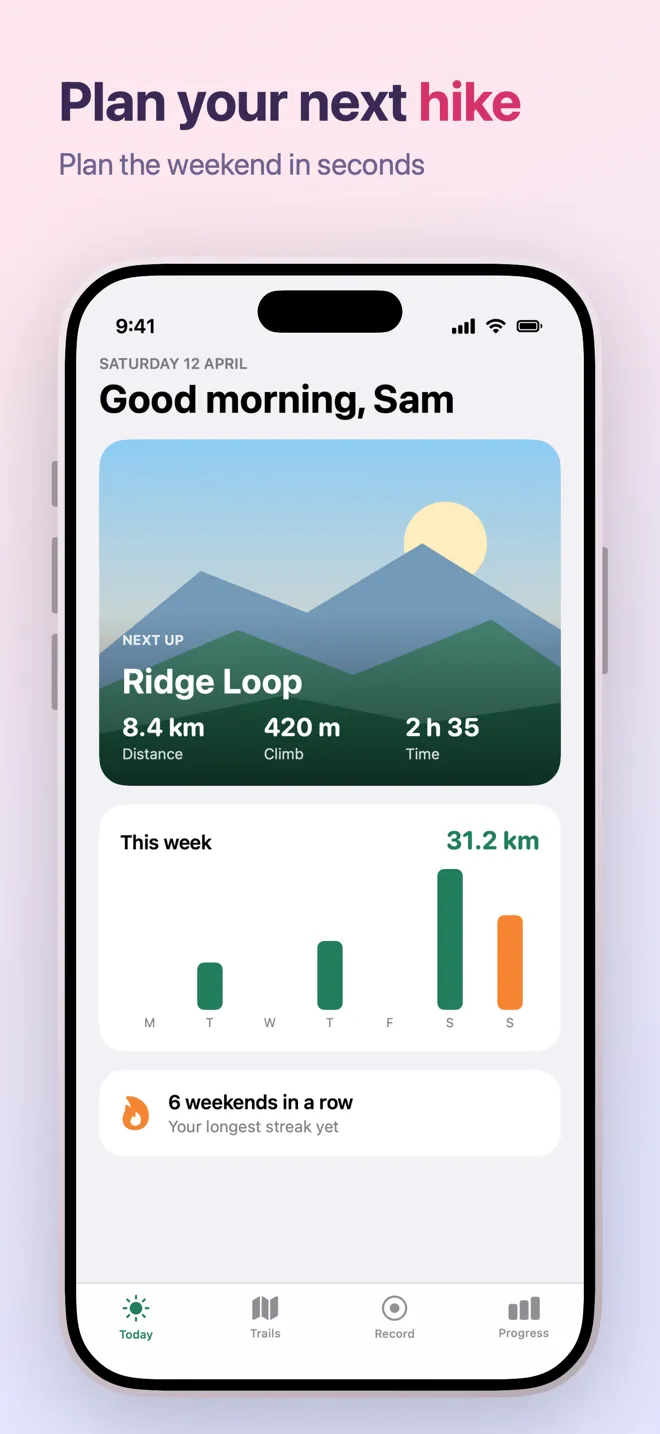
Blush
A pink to lavender gradient with left-aligned captions and a pale frame.
Using a template
Open Showpiece, choose a template from the presets, and drop in your app's screenshots. Write a short caption for each slide, and wrap a word in asterisks to highlight it in the template's accent color.
A template sets the background, fonts, caption position, device frame and angle. Every one of those stays editable, and you can save your own design as a new template to reuse in other projects.
The same design then exports at every screenshot size App Store Connect asks for, for each device and language in the project.